
Common RentCafe application errors and how to fix them
Summary
Applying for an apartment on RentCafe is designed to be simple, but occasional errors can slow things down. This is a look at the most common issues, from incomplete fields and payment problems to co-applicant invites and ID uploads and how to resolve them.
Applying for an apartment on RentCafe takes you through a few simple steps, but occasionally something might not work as expected. Here’s how to resolve the most common issues.
Error 1: Cannot proceed to the next step
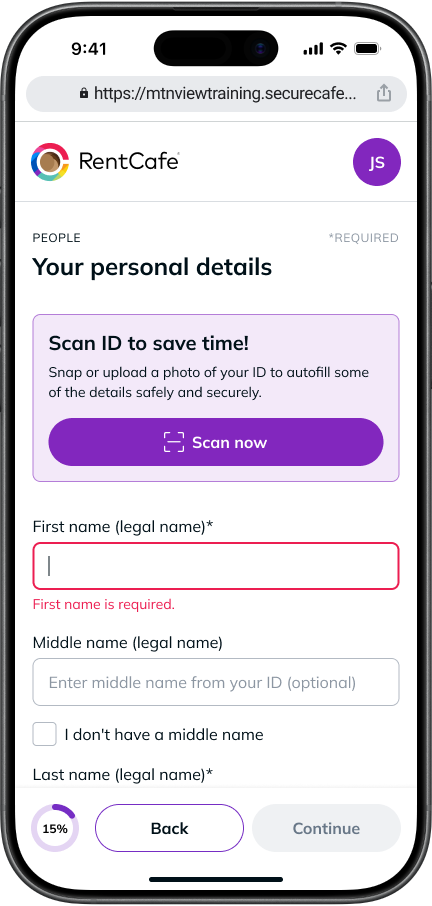
- Cause: A required field has not been completed.
- Solution: Look for fields marked with an asterisk (*) and make sure all mandatory information is filled in before clicking Save & continue. Required fields typically include your full legal name, current address, Social Security Number (SSN), date of birth, employment details and vehicle or pet information.
Error 2: Co-Applicant did not receive their invite
- Cause: The invitation email may have been filtered into spam, or the invite link may not appear as clickable.
- Solution: Ask your co-applicant to check their spam or promotions folder. If the link isn’t active, they can copy and paste it directly into their browser’s address bar to access their portion of the application.
Error 3: Payment not going through
- Cause: Incomplete card details, an unverified bank account, or an unsupported payment method.
- Solution: Double-check that all card fields — card number, name, expiry date and security code — are filled in correctly. If paying by bank account, make sure it has been verified through the property’s required process.
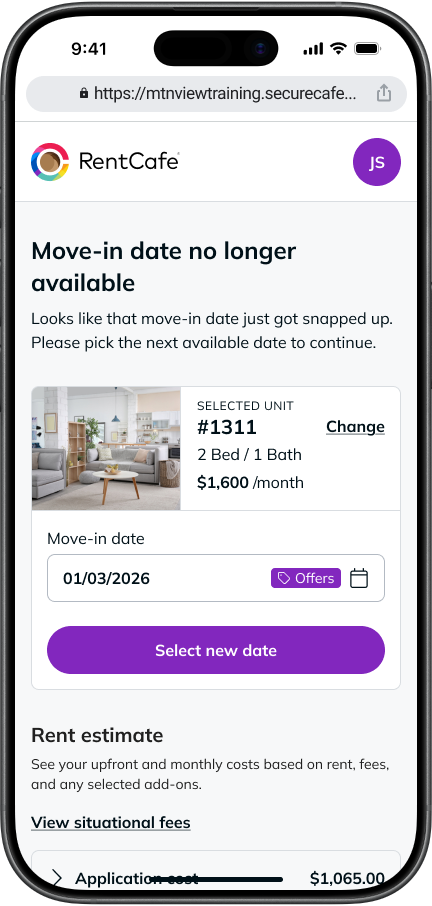
Note that your apartment is only reserved once application fees are successfully paid.
Error 4: ID upload not working
- Cause: The file size may be too large (over 5MB in size), or the wrong verification method is being used.
- Solution: Compress or resize your image before uploading. Make sure you’re submitting a clear photo of a valid, government-issued ID.
Once your application fees are paid, the property will review your application. This typically takes a couple of days. You’ll receive a confirmation email with your confirmation number, and your portal will update when a decision has been made. Once approved, you’ll be guided through the Lease Summary and signing steps.
FAQ
You’ve likely left a required field blank. Look for fields marked with an asterisk (*) and make sure everything is filled in.
Yes! You can add a co-applicant either by completing their details directly on your application or by sending them an email invite to fill out their portion separately. All co-applicants over 18 will need to go through the screening process.
Most properties accept credit/debit cards and bank account (ACH) payments.
Application review typically takes a couple of days. Once the property manager makes a decision, you’ll be notified and can move forward with the Lease Summary step in your portal.
Ask them to check their spam or promotions folder. If the link isn’t clickable, they can copy and paste it into their browser’s address bar to access their part of the application.