Apartments for Rent in Scranton, PA under $1000
-
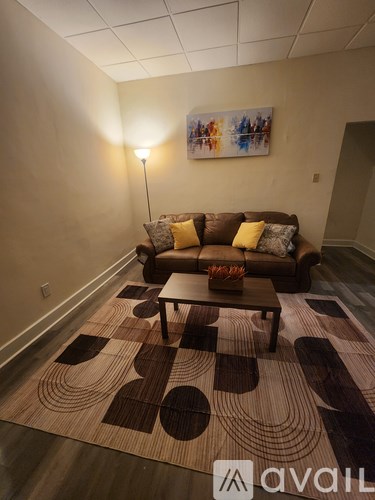
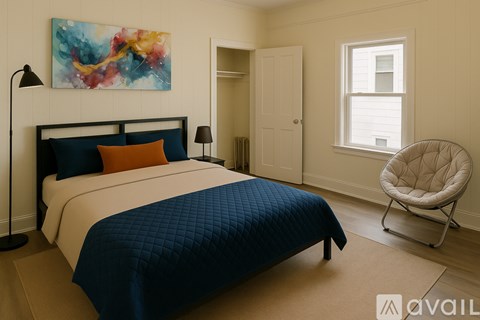
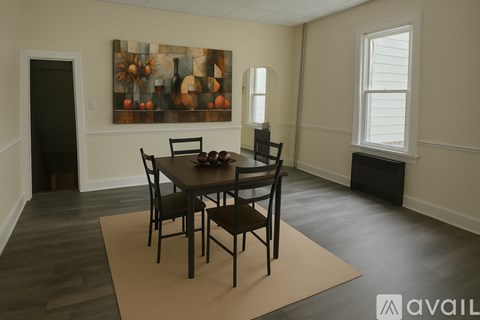
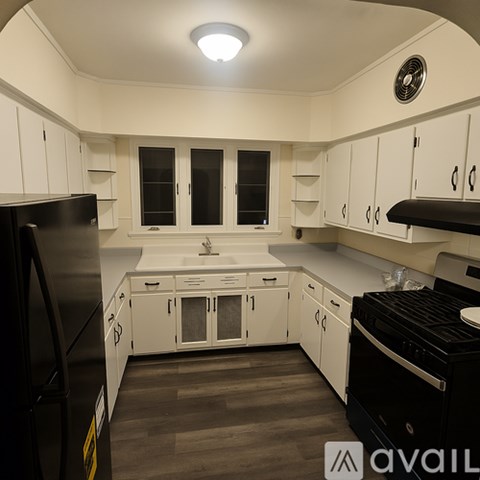
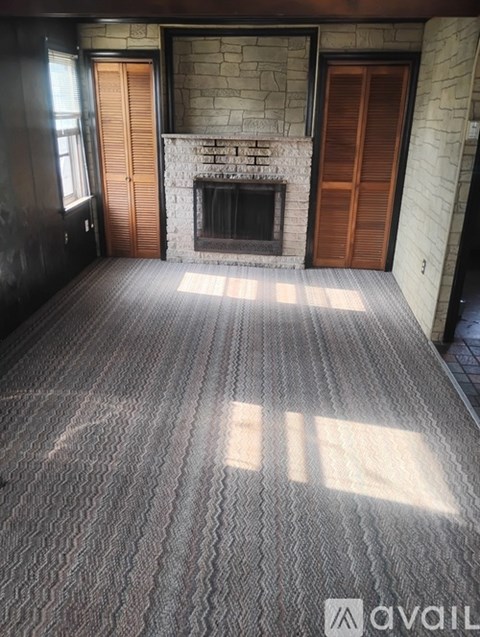
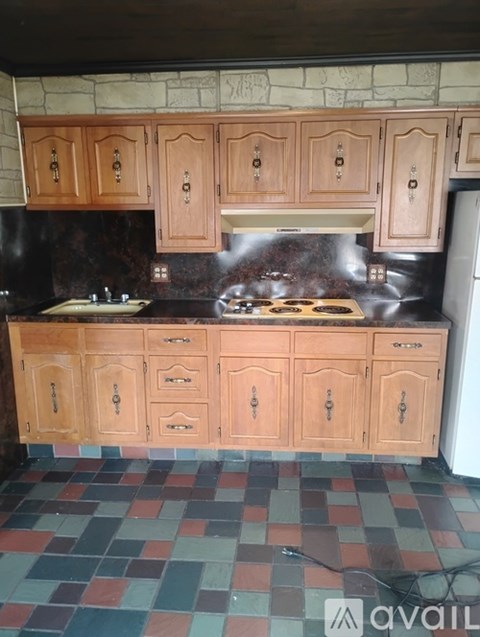
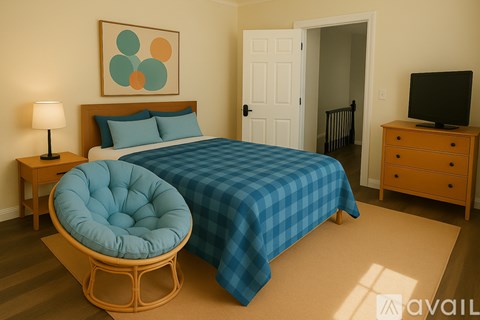
Ask for pricingIncome restricted3009 Azalea Way, Scranton, PA 18505Pet friendly • Hardwood Floors
Explore popular searches
Explore more rentals
Frequently asked questions
When were prices and availability in Scranton, PA last updated?
Prices and availability in Scranton, PA were last updated on 30 Jun 2026.
What are the best apartments in Scranton, PA?
The best apartments in Scranton, PA are: Mountain Lake Apartments, Morgan Manor, Summit Pointe Apartment Homes, Clay Commons and 1152 Commerce Blvd.
What type of rental buildings are in Scranton, PA?
In Scranton 50% of the housing is rented out compared to 50% of homes are owned, according to the most recent Census Bureau estimates. 12% of Scranton's apartments are found in large buildings of 50 units or more, 67% are located in smaller apartment complexes with less than 50 units, and 20% are single-family rentals.
Your search for apartments in Scranton, PA under $1,000 stops here
Finding apartments for rent in Scranton, PA for less than $1,000 has never been so easy! At RentCafe nice cheap apartments are just one click away. There are currently 1 available units in Scranton, PA, renting for under $1,000. Be sure to search for the apartment that is best for you. Under “More”, check the amenities that you consider a must-have, and don’t forget to look at the pet policy. Fitness enthusiasts can even check the Fitness Center box. Whether you are looking for studio apartments, 1 bedroom apartments, 2 bedroom apartments or 3 bedroom apartments, you are sure to find one that will make you want to move in right away.
We’ll help you find the best rental near you
Having to compromise on either price or location can turn your “apartments near me under $1,000” search into a nightmare. At RentCafe we recognize the importance of both. Therefore, we offer a variety of filters that can help you find exactly what you want. Sorting the results by rent, ascending, will make the cheapest units show up first on the list. Try it out! If some of the results are outside the area of your choice, you can go to the left side of the screen and draw a radius or a polygon around your location. Now you will only see results that are relevant to you.