
Ask for pricing
3.5
(11)
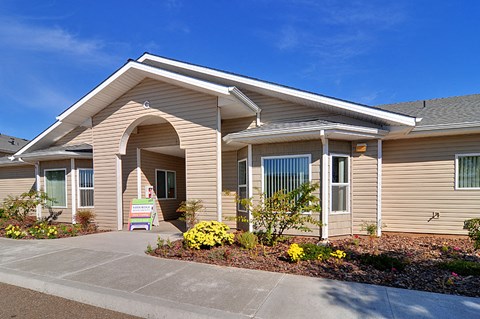
1755 Southridge Drive, Red Bluff, CA 96080
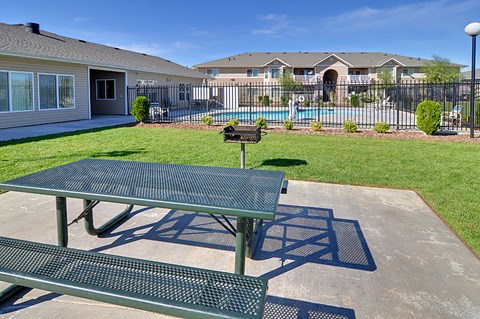
Pet friendly • Fitness center • Pool

Prices and availability in Red Bluff, CA were last updated on 22 Oct 2026.
The best apartments in Red Bluff, CA are: Vista Ridge, Meadow Vista and Creekside Village.
In Red Bluff, 57% of the residents are renting compared to 43% owning a home, according to data from the U.S. Census Bureau. Large-scale apartment buildings with more than 50 units represent 4% of Red Bluff's rentals, 64% are small-scale complexes with under 50 units, and 32% are single-family rentals.
Searching for apartments for rent in Red Bluff, CA under $1,200 is not an easy task, but luckily you have come to the right place. Whether you are a student on a budget, a young professional on the move, or simply a frugal person, RentCafe can help you find what you are looking for. Just make sure you know what you consider non-negotiable and what you can compromise on. Your new home is just a few clicks away.
Finding a nice cheap apartment is by no means impossible. You just have to be patient. Your “apartments near me under $1,200” search can bear fruit sooner than you think if you look carefully and check our site often. You never know when discount deals and special offers might pop up. Keep in mind that you are not the only one looking for an affordable apartment in Red Bluff, CA. Choose “Save Search” to receive the latest apartments available directly to your inbox. This way, you will be able to stay one step ahead of the competition.