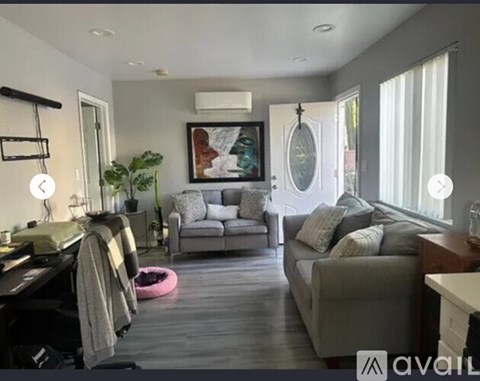
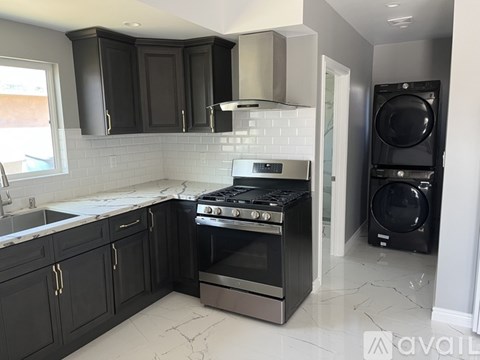
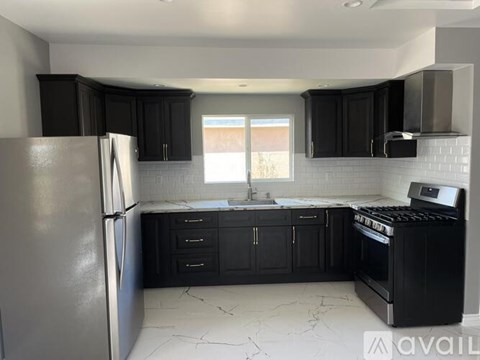
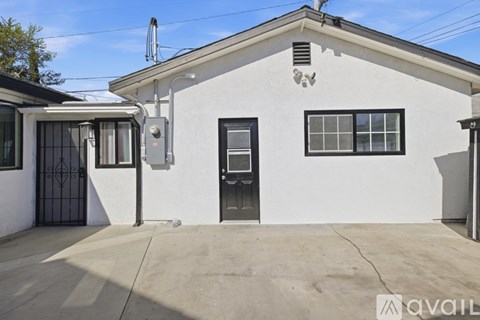
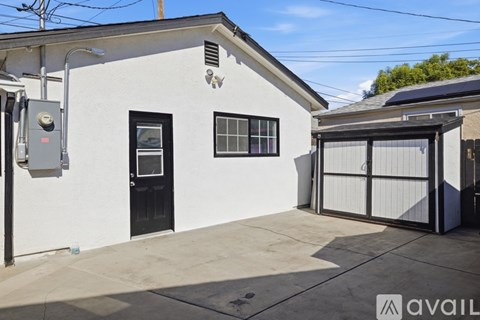
Your search for apartments in Lynwood, CA under $2,000 stops here
Finding apartments for rent in Lynwood, CA for less than $2,000 has never been so easy! At RentCafe nice cheap apartments are just one click away.
There are currently 39 available units in Lynwood, CA, renting for under $2,000.
On average, $1,746 can get you 623 Sqft in this area.
Be sure to search for the apartment that is best for you. Under “More”, check the amenities that you consider a must-have, and don’t forget to look at the pet policy. Fitness enthusiasts can even check the Fitness Center box. Whether you are looking for studio apartments, 1 bedroom apartments, 2 bedroom apartments or 3 bedroom apartments, you are sure to find one that will make you want to move in right away.
We’ll help you find the best rental near you
Having to compromise on either price or location can turn your “apartments near me under $2,000” search into a nightmare. At RentCafe we recognize the importance of both. Therefore, we offer a variety of filters that can help you find exactly what you want. Sorting the results by rent, ascending, will make the cheapest units show up first on the list. Try it out!
You will find that right now the cheapest apartment under $2,000 in Lynwood, CA goes for $1,297 per month.
If some of the results are outside the area of your choice, you can go to the left side of the screen and draw a radius or a polygon around your location. Now you will only see results that are relevant to you.